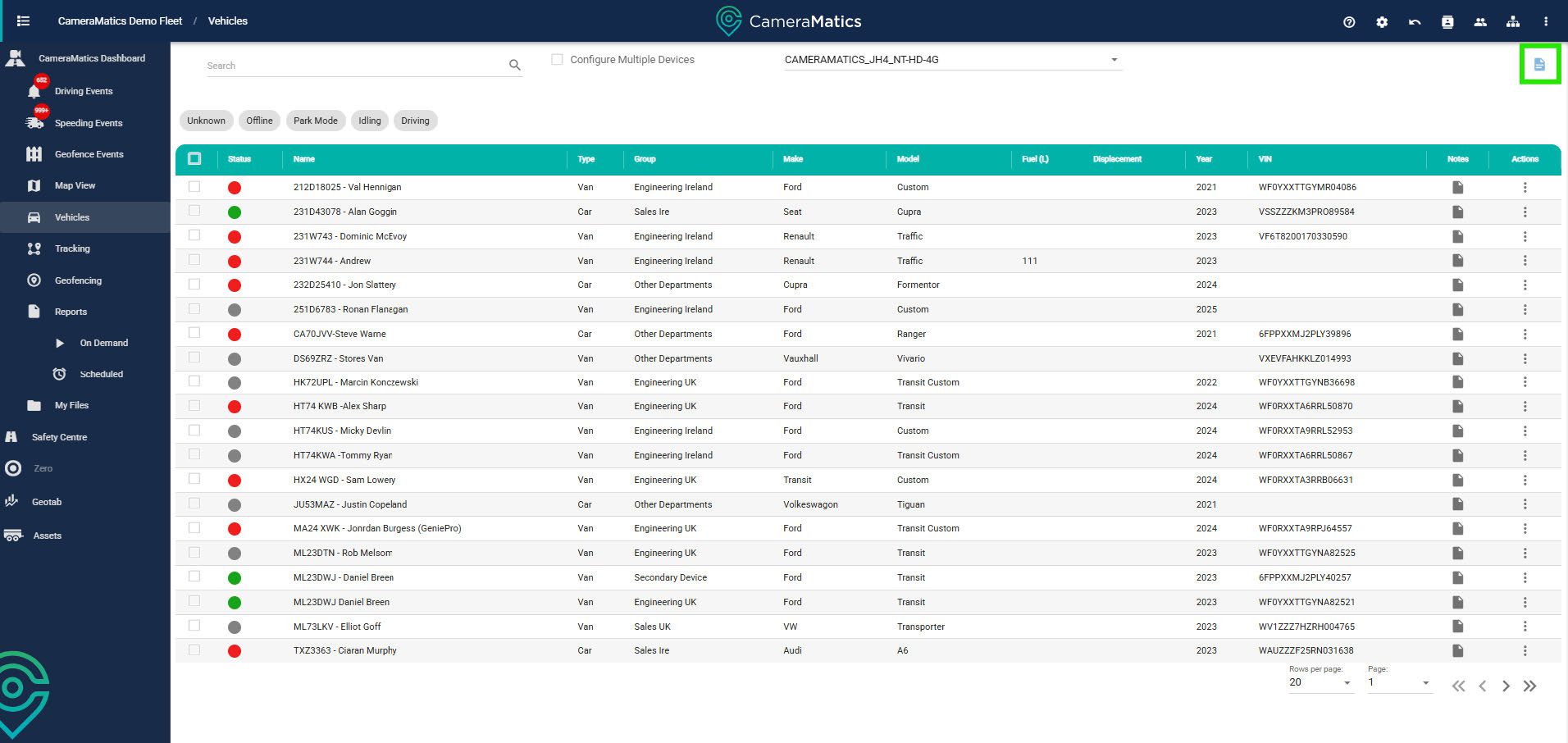
Select vehicles from the left-hand menu.
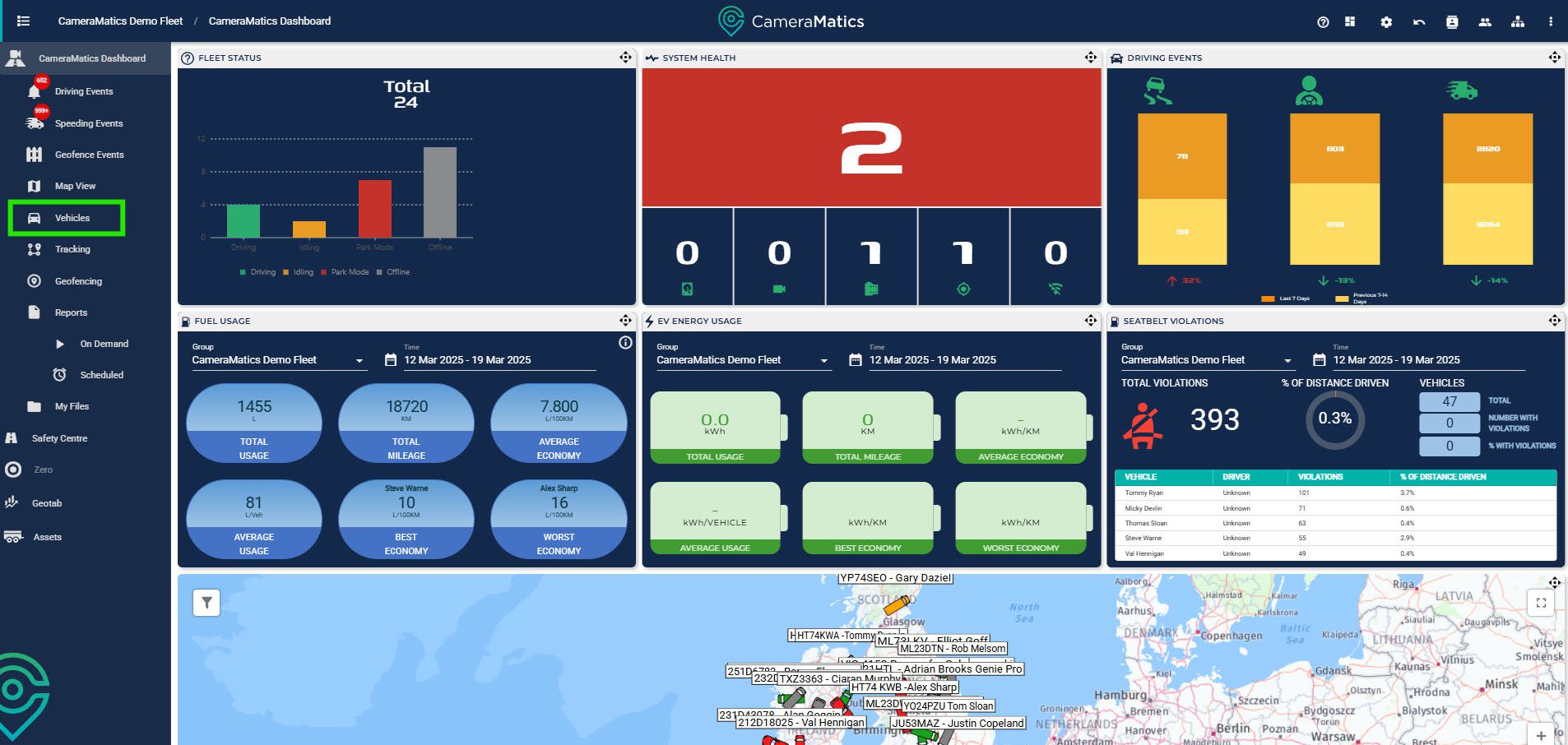
Here you will find a full list of vehicles in your fleet with associated data.
From here, you can update information relating to any specific vehicle as required.
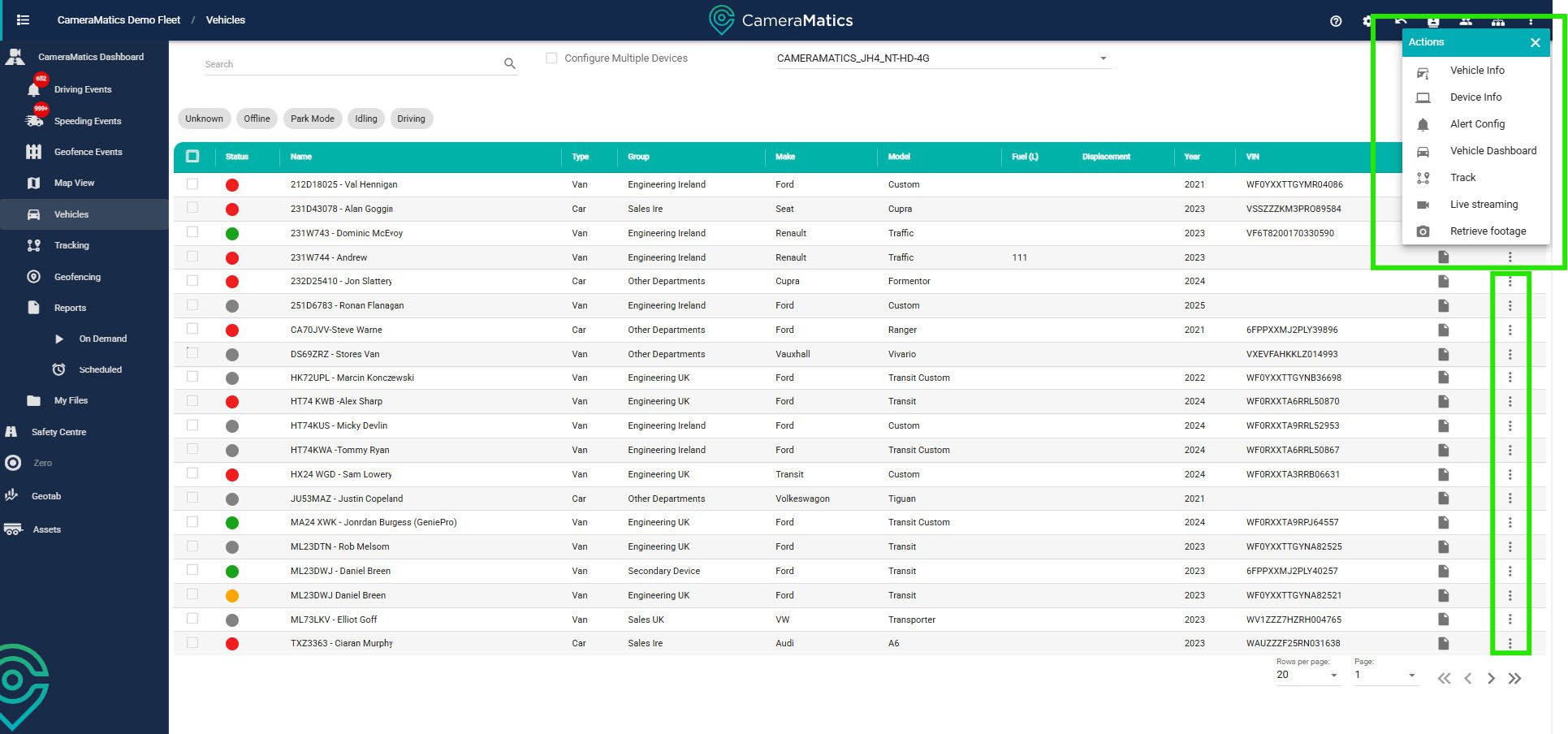
In ‘Actions’ alongside each vehicle, you can:
- Vehicle Info – edit the information on the vehicle
- Device Info – see information about the device installed in that vehicle
- Alert Config – configure alerts on the system and have it tailored toyour needs
- Vehicle Dashboard – view the map and this vehicle’s dashboard
- Track – view vehicle tracking reports for a specific time frame
- Live Streaming – view live footage from the cameras installed in thisvehicle
- Retrieve Footage – retrieve footage from this vehicle for a specificdate and time range
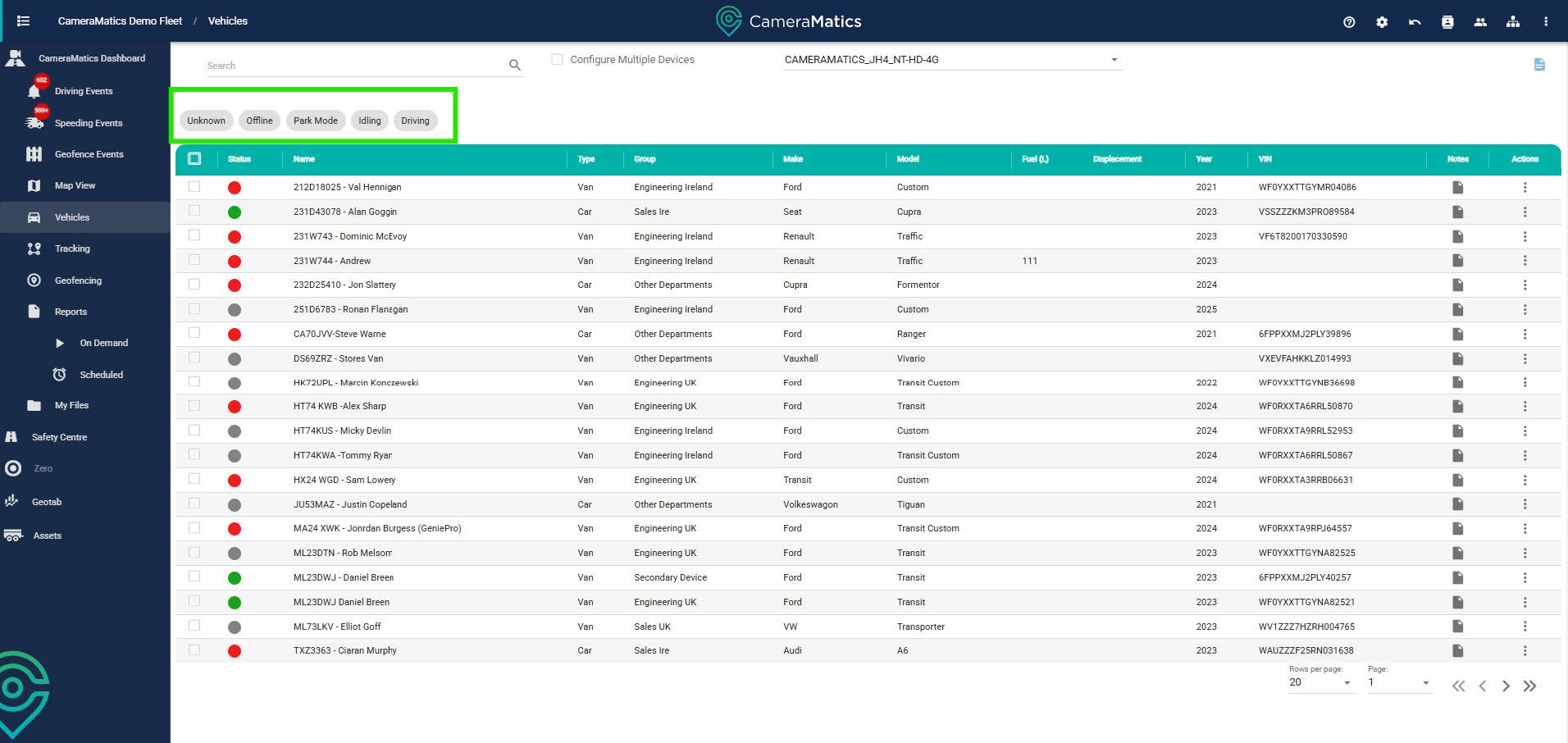
You can filter this list by selecting what status of vehicles you want to see.
You can also export this list into an Excel document.