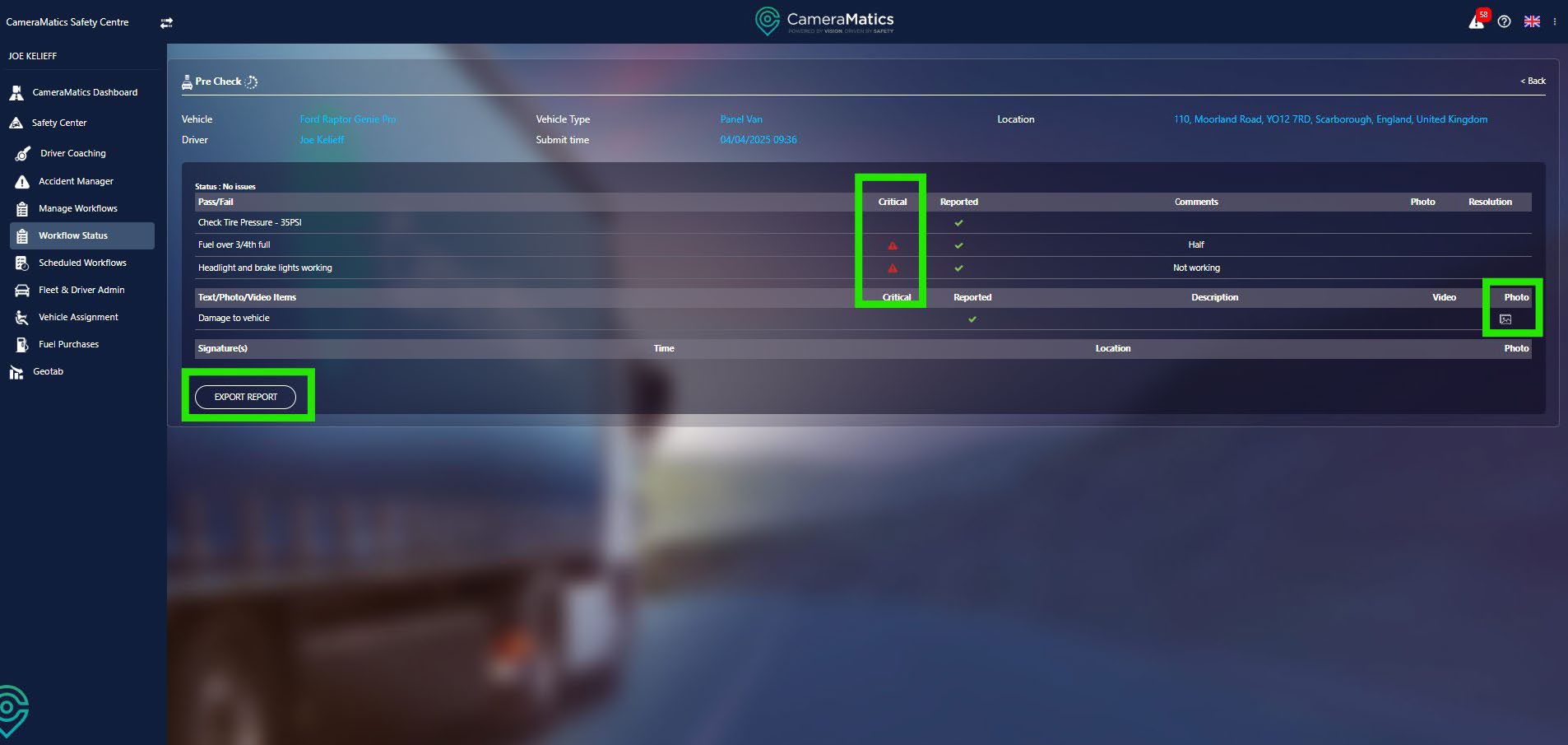
As members of your team complete workflows in the field, you will want to ensure that each check is being completed properly.
Click on Workflow Status from the left-hand menu.
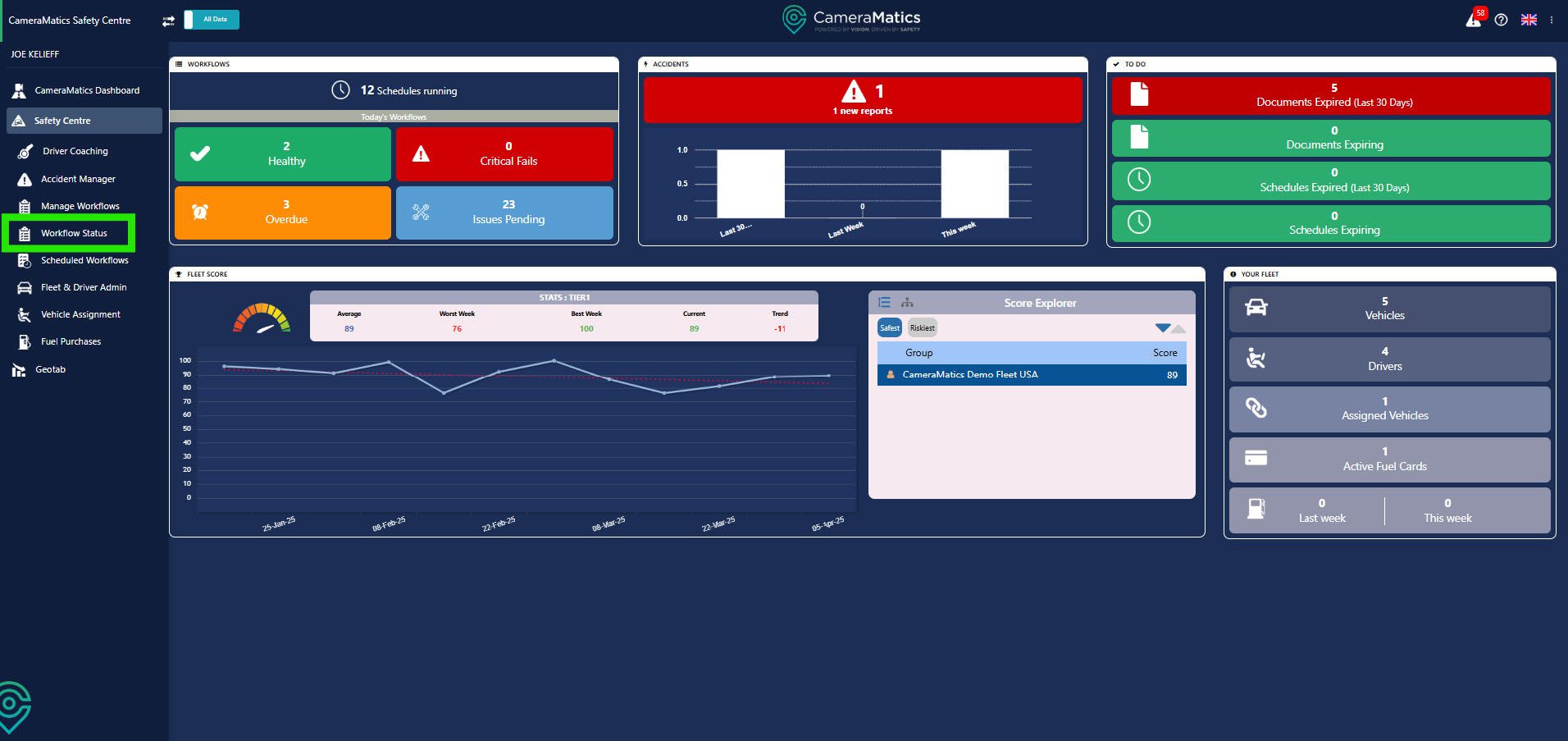
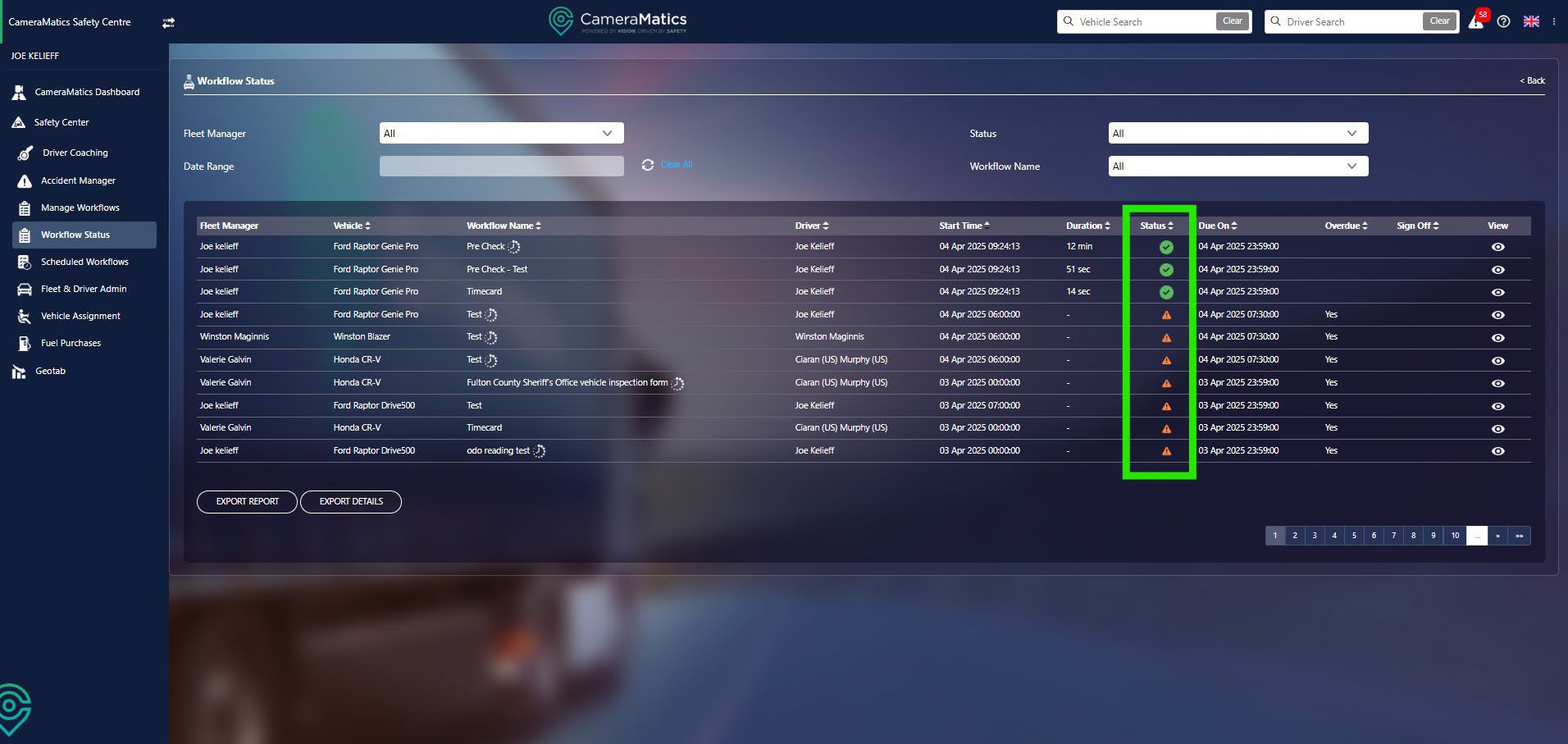
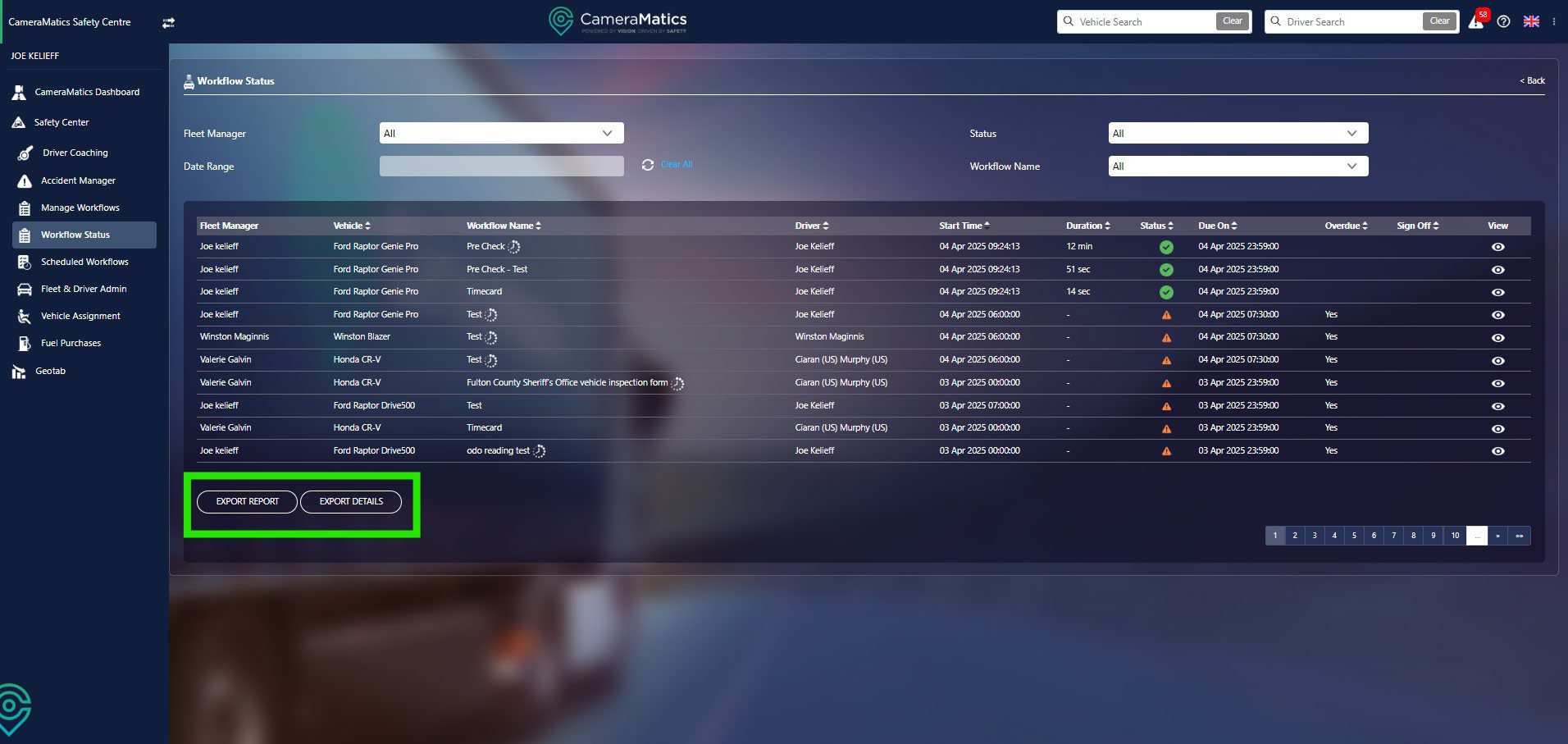
Here you will find all of the workflows that are either completed, pending or overdue. You can see, in the status column, that the green ticks will indicate a complete pass of the check, whilst the orange triangle is pending/overdue.
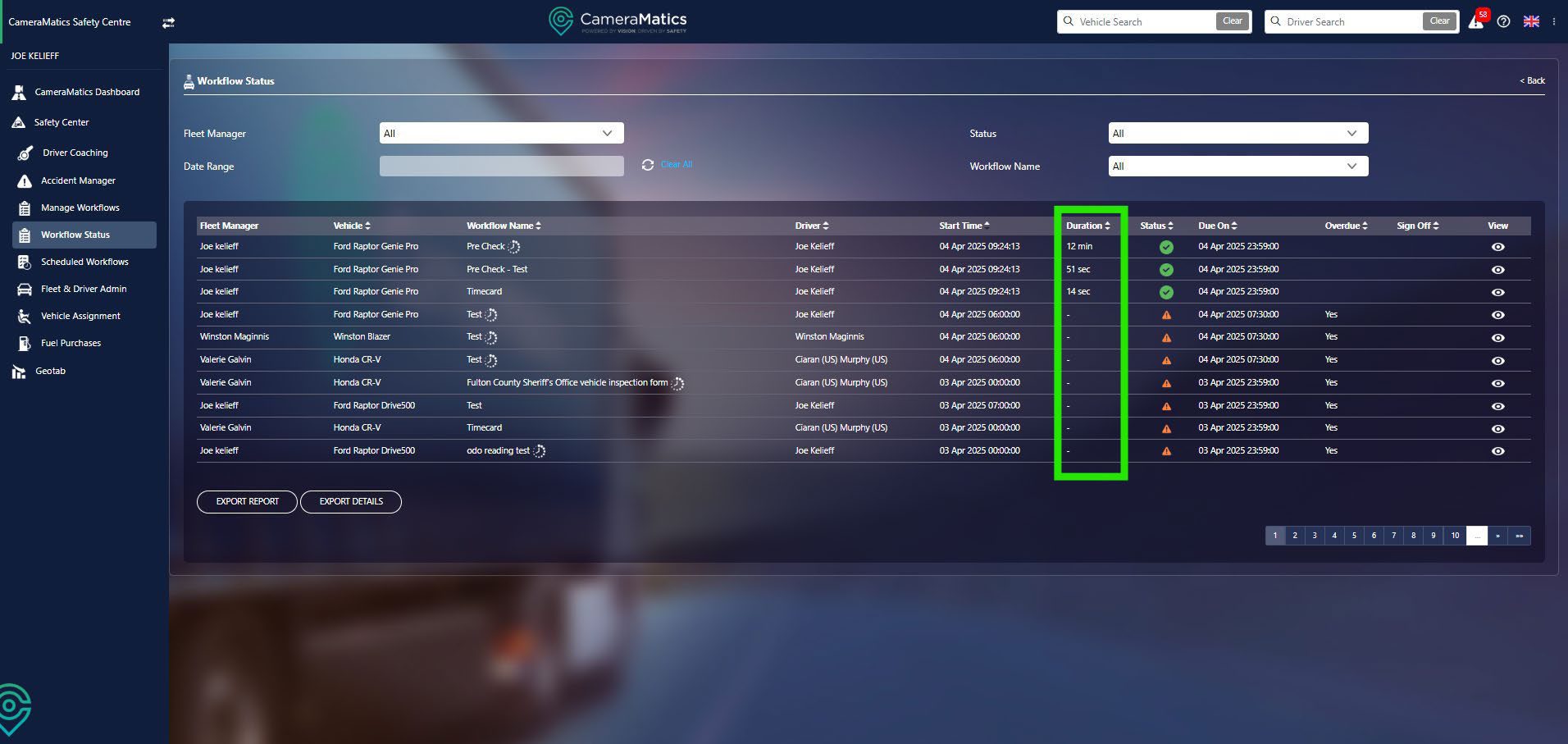
You will also see how long a driver has taken to complete a check.
You also have the option to export this report into Excel. This can be the report that you see, or you can export more details for each check as required.
By clicking the view icon for a check you can see more information relating to this specific task.
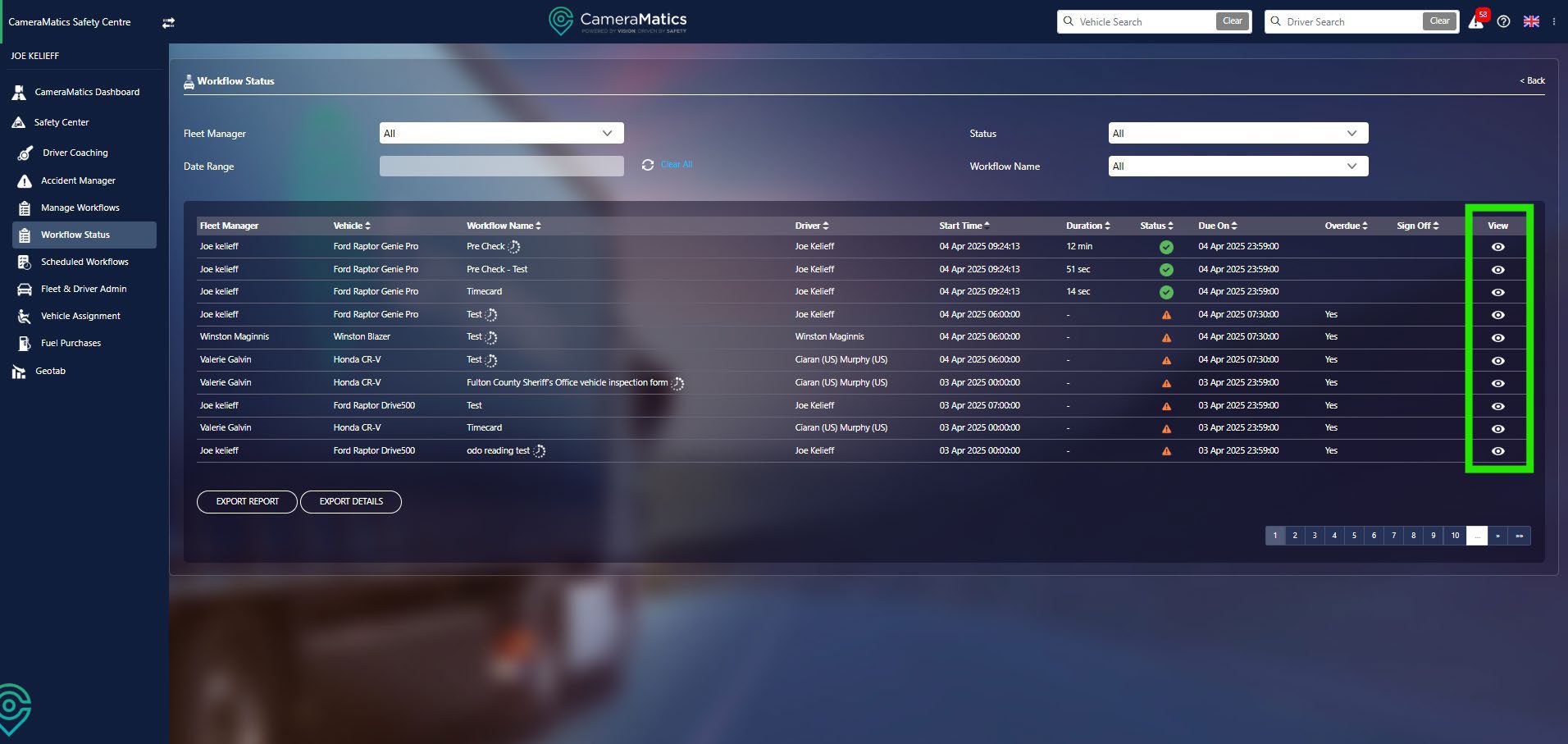
From here you can identify which are critical, view any pictures related to the report, and export this report.