As your fleet is completing trips, they will trigger events relating to any geofences you have created. You can view these events in more detail by using the Geofence Events feature.
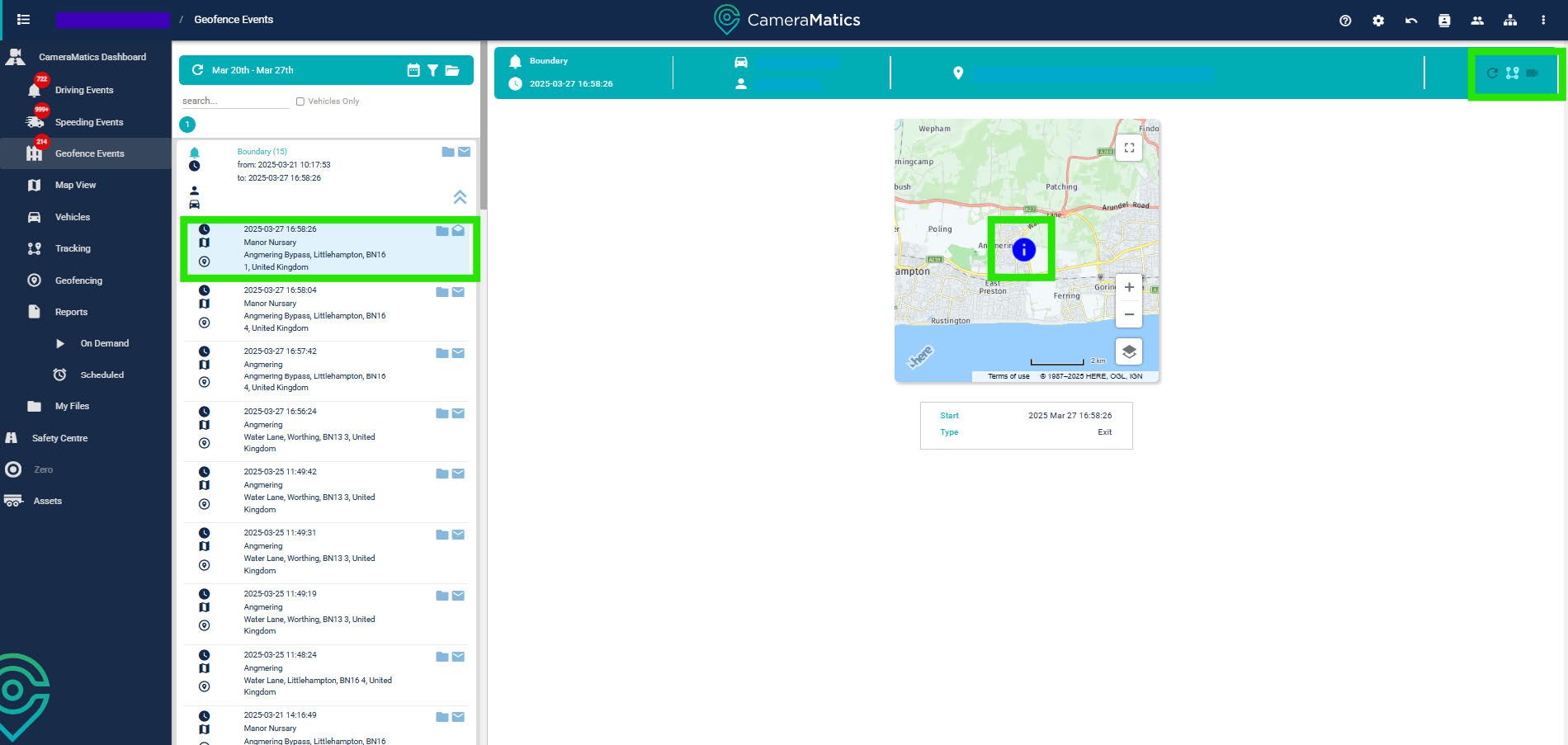
Click Geofence Events from the left-hand menu.

This displays a full list of all the geofence events that have taken place within the time frame you have selected.
If you click on one of these events, you will be shown where the event has taken place on a map. In the top right, you can click to view the tracking specific to this event, or retrieve the footage for this event if the vehicle is not in an offline status.
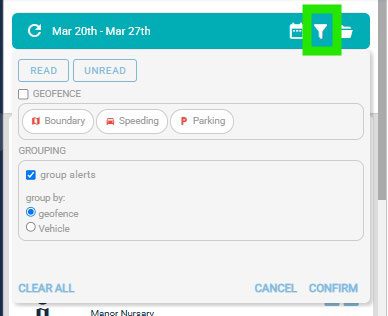
You can also adjust the filter for these events if you want to view a specific type of event, such as grouping the events by vehicle rather than geofence.