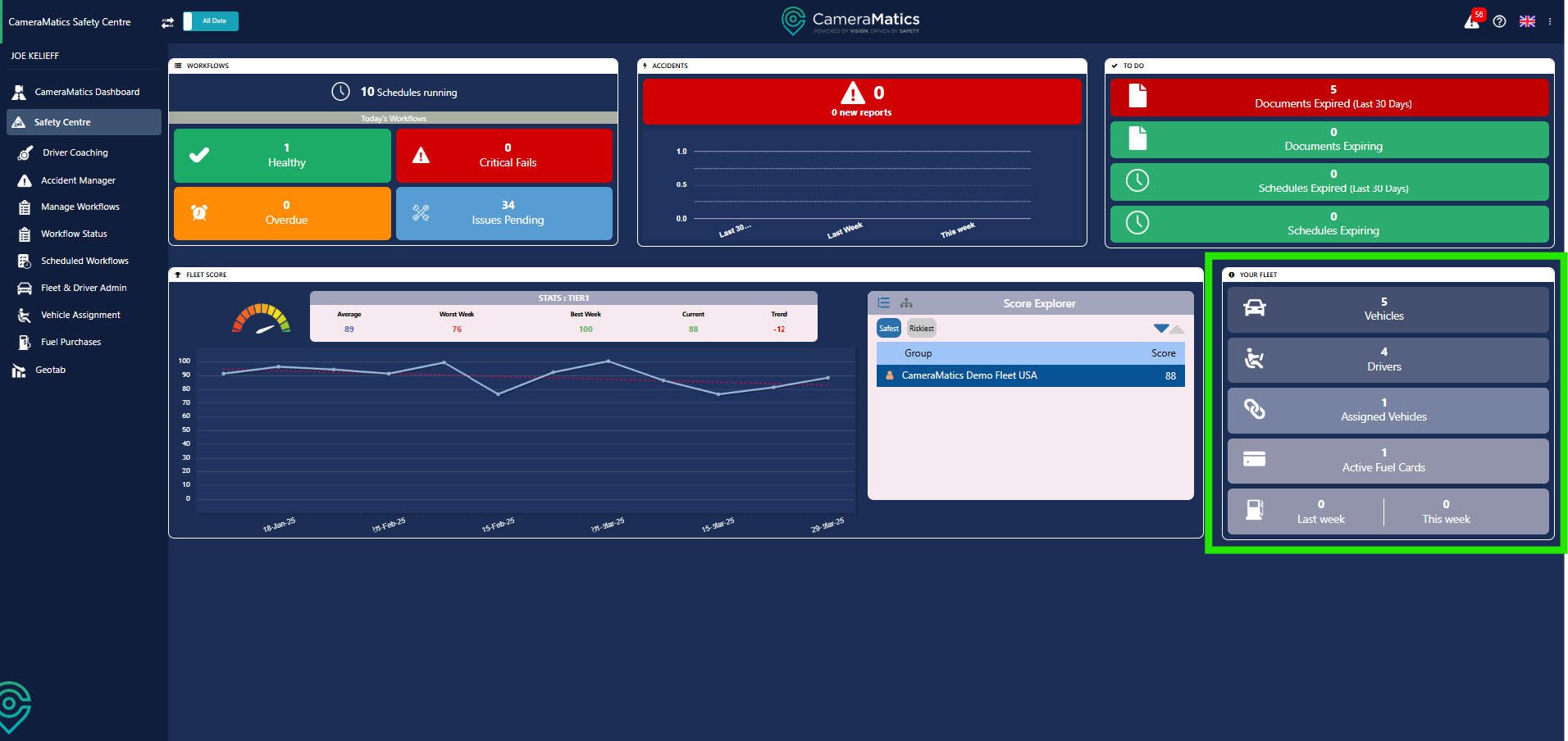
The Safety Centre helps ensure your fleet is not only roadworthy but also that your drivers are safe.
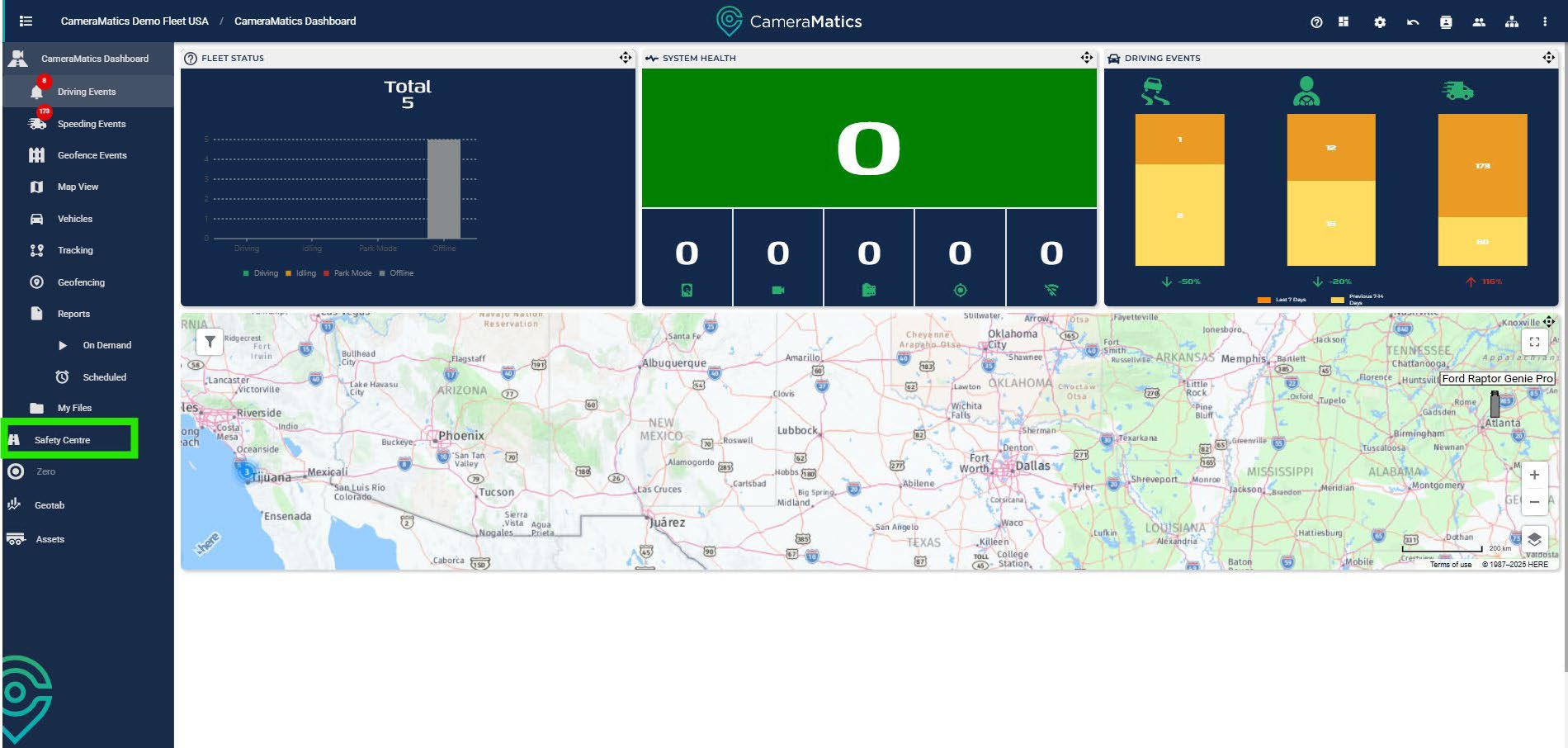
Click on the Safety Center in the left-hand menu and you will be taken to the dashboard.
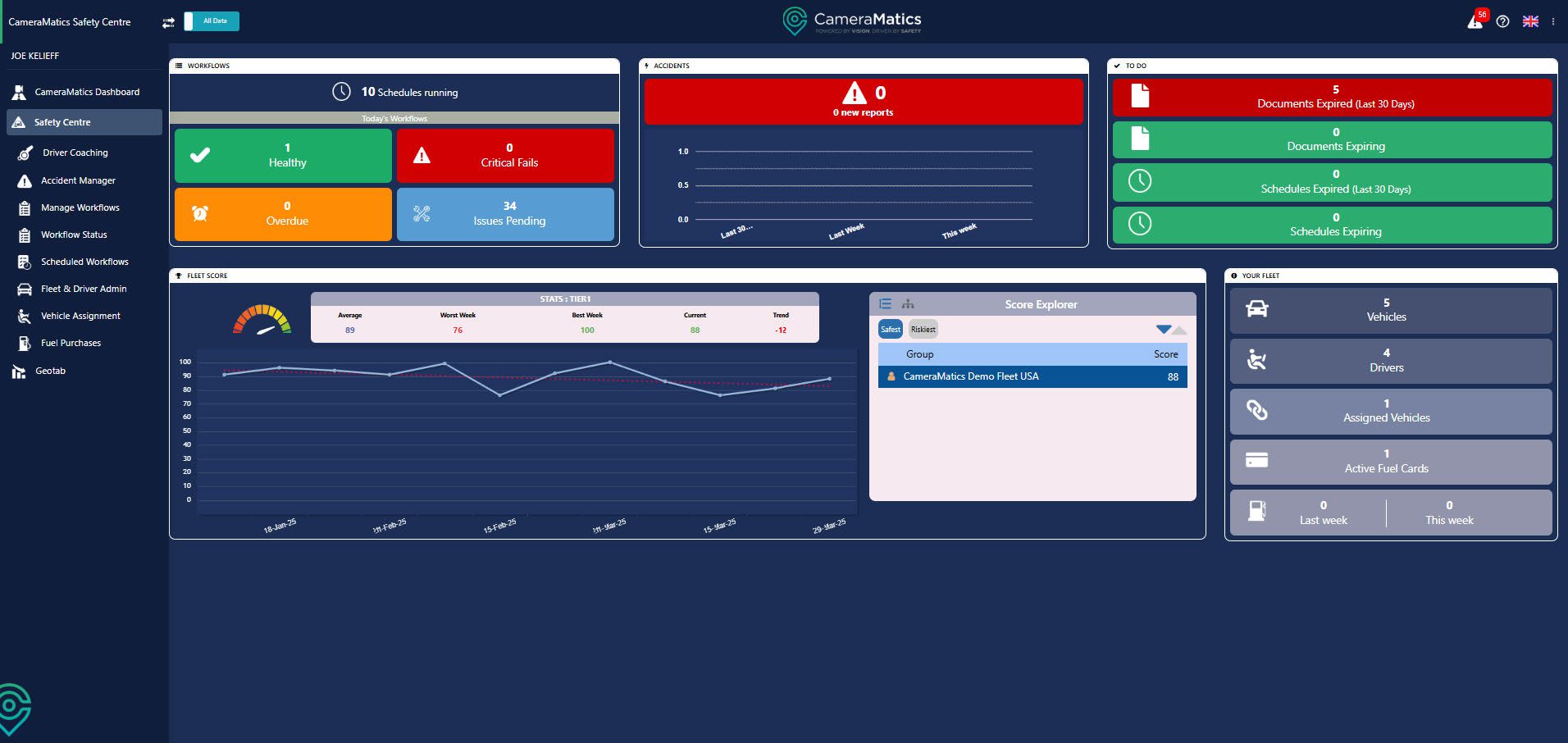
This dashboard provides summary information relating to different aspects of your fleet.
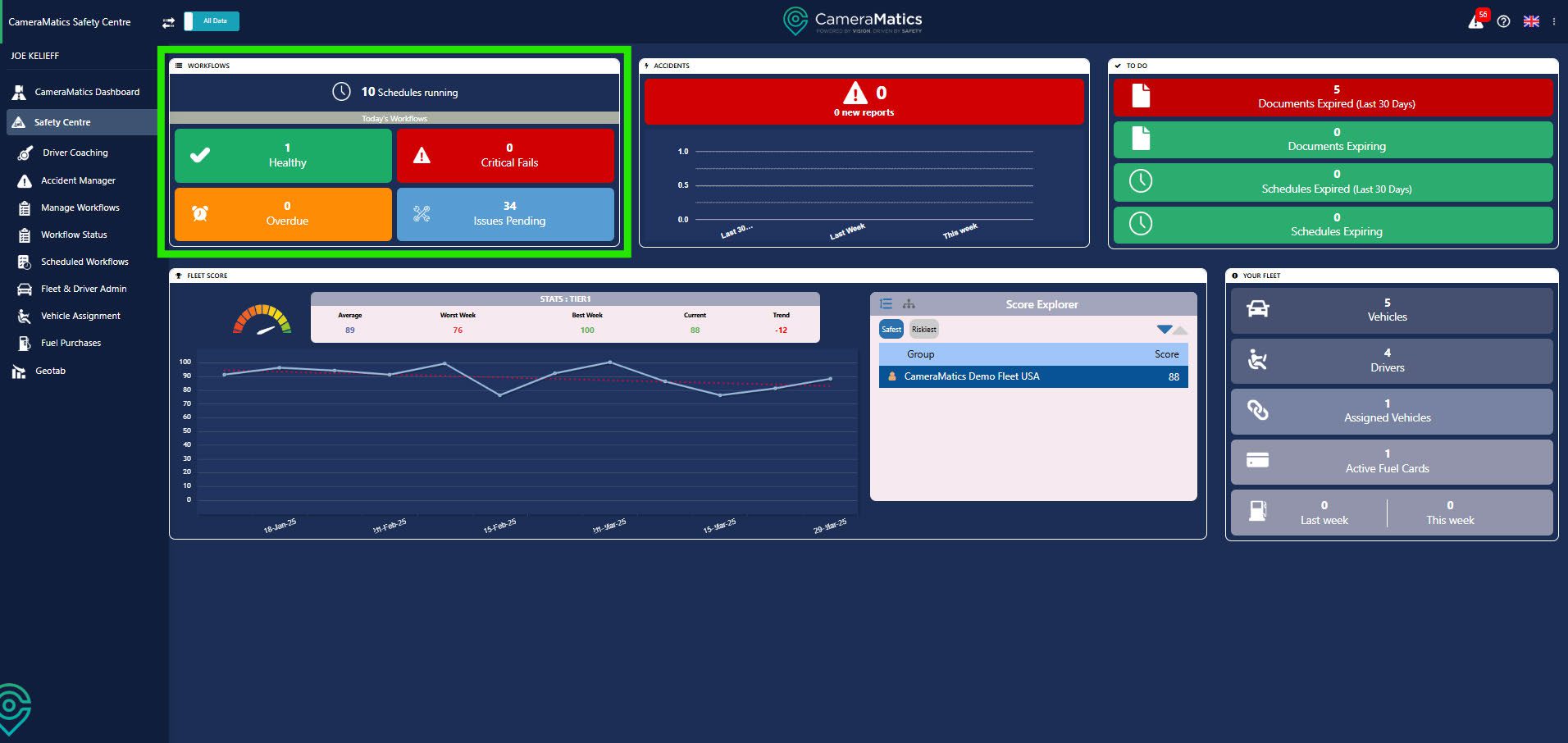
In the workflow widget you can see the status of the workflows completed (or not) by your drivers.
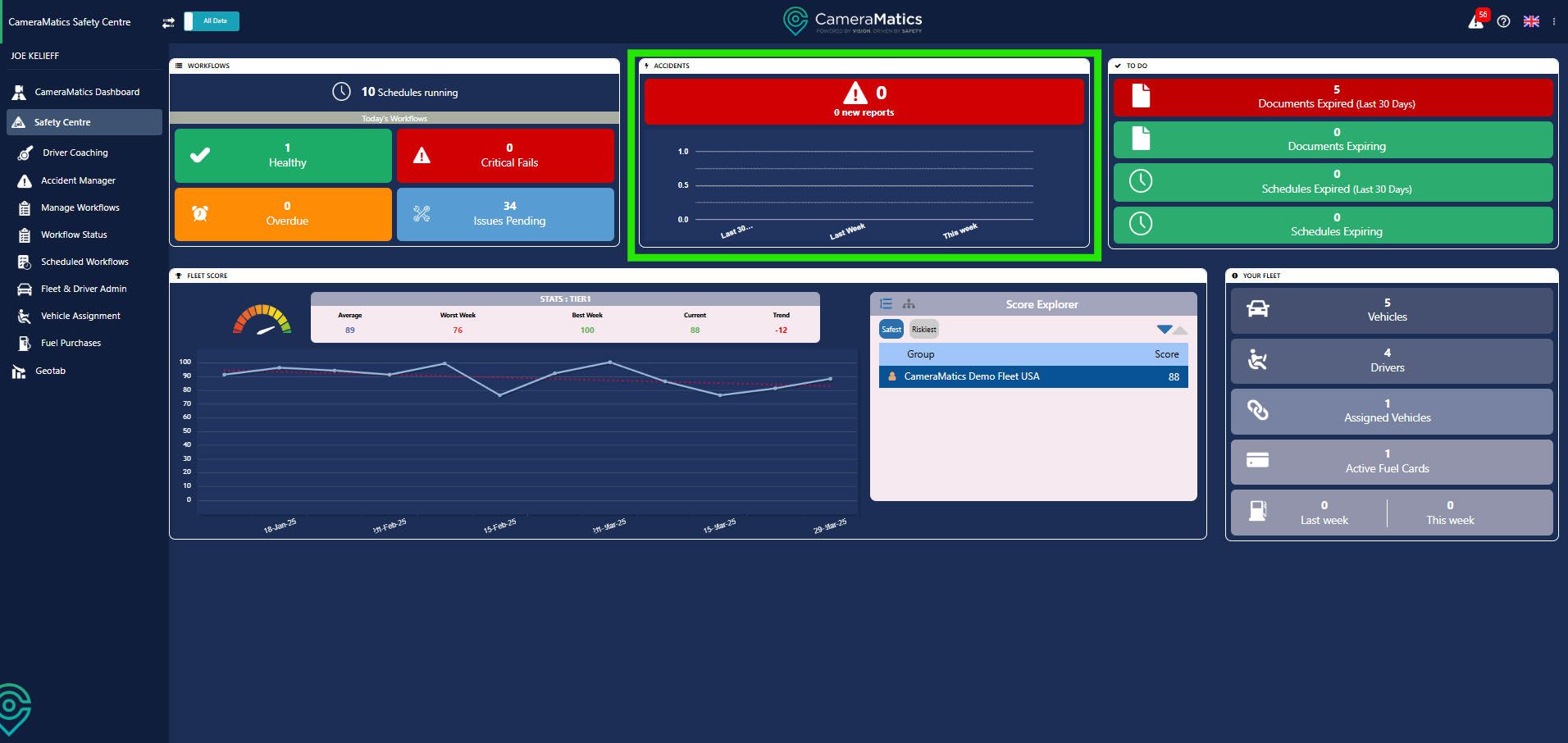
Within the Accident widget you see details relating to any accidents that have been reported. By default, this shows all accidents reported during the last 30 days.
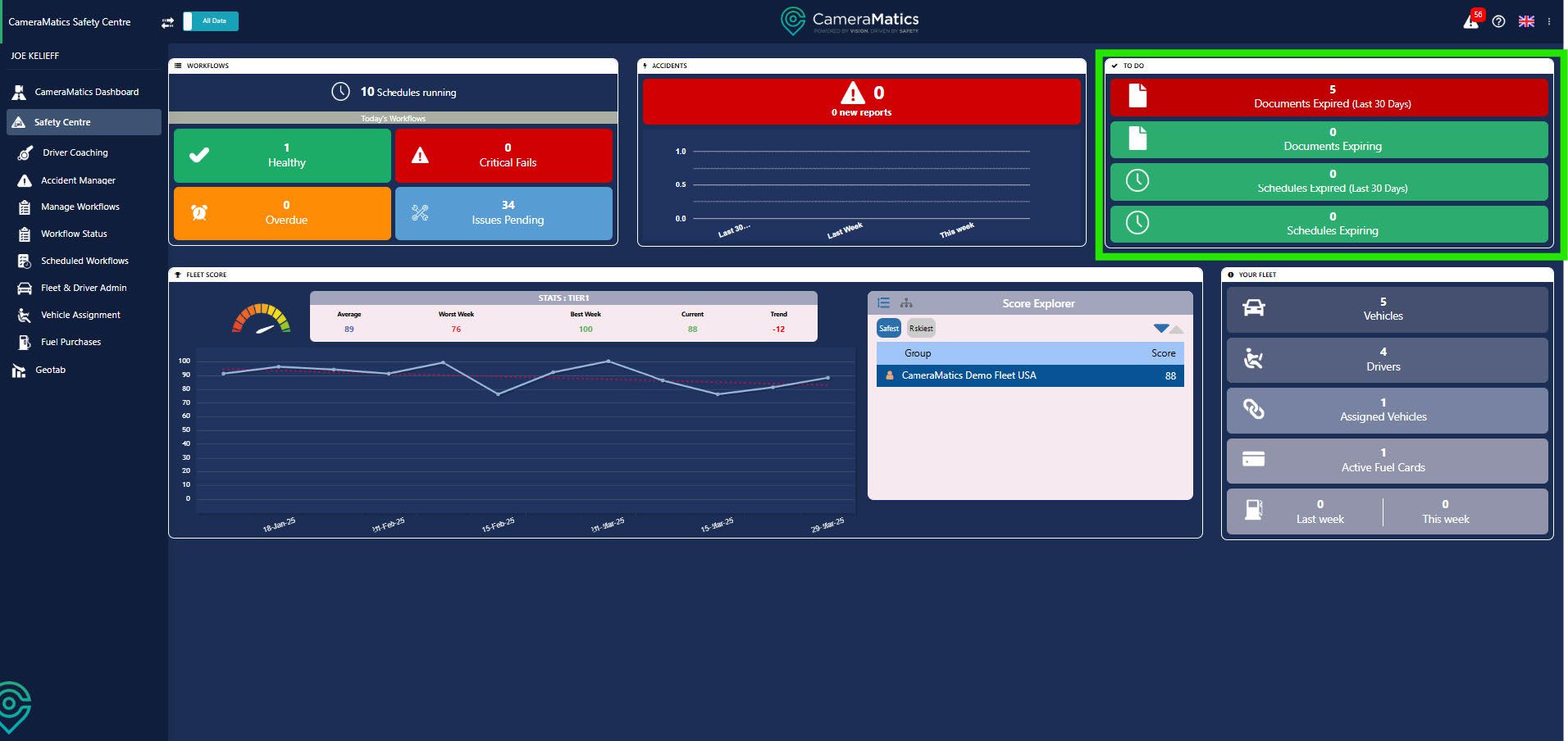
In the To Do widget, you can view any documentation for your vehicles and drivers that is expired or expiring in the near future. This also shows any workflow schedules that are expired or expiring.
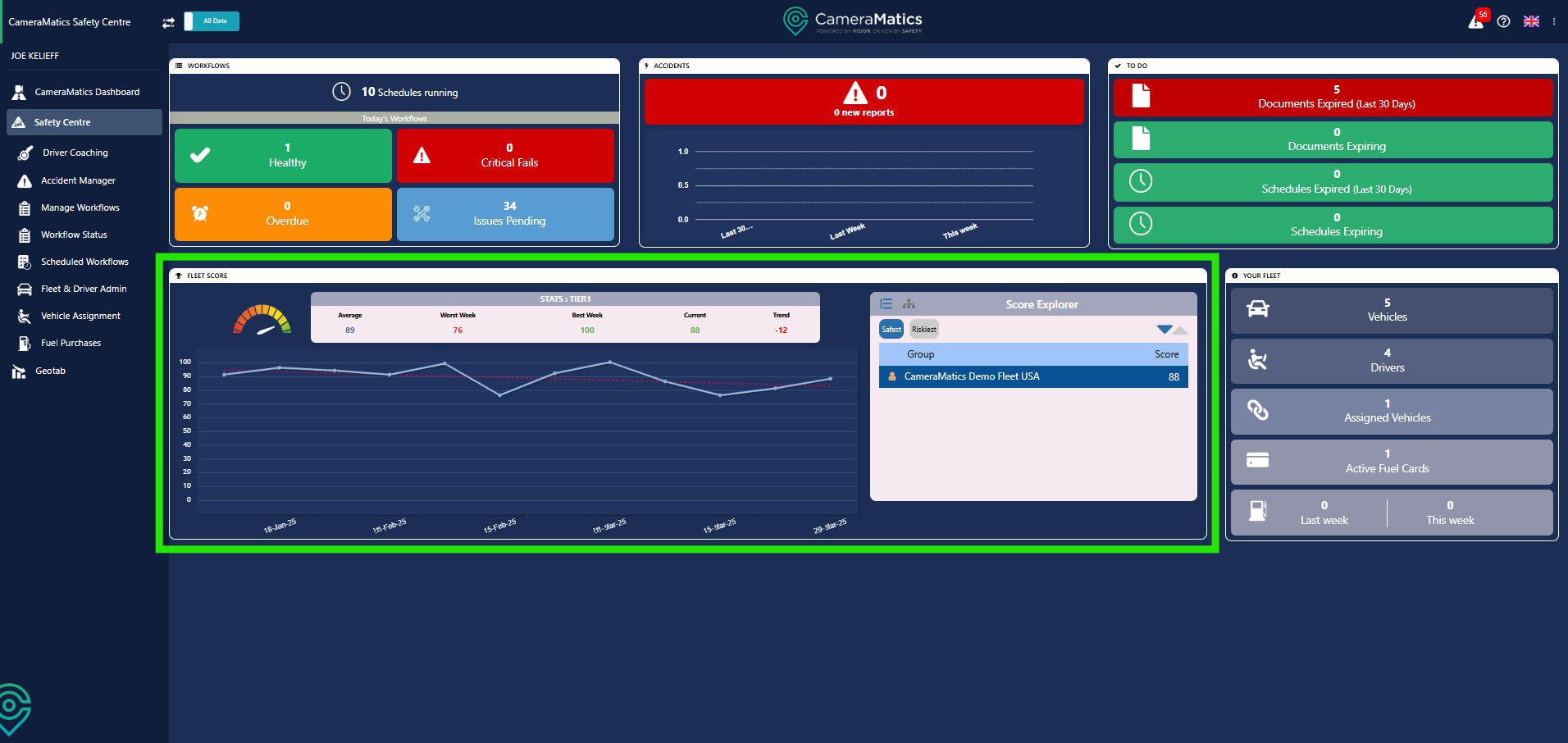
The Fleet Score is a great indicator of how safe your drivers are on the road. This can be shown for the whole group, or you can view this by individual driver.
The Your Fleet widget, at a glance, is how many vehicles, drivers and fuel cards you have. Within this widget you can create driver profiles and add fuel cards for your drivers.