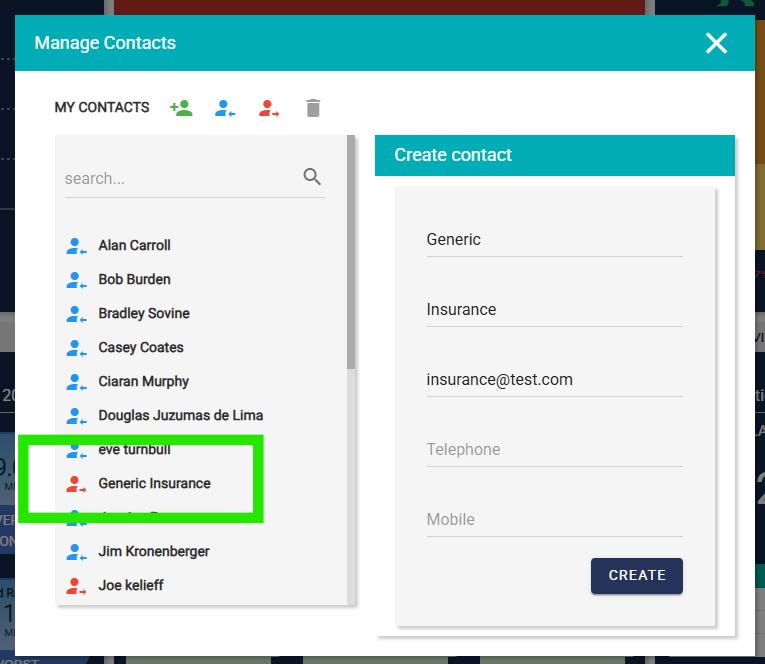
Contacts are individuals, typically outside your organisation, with whom you can share footage when required, typically for insurance or legal purposes.
Viewing your contacts
Click on Manage Contacts in the top right of the dashboard to access the pop-up menu.
You will see your current contacts. Those in blue have an account and are classed as internal contacts. Those in red are external contacts, who don’t have access to the system but can still receive shared footage.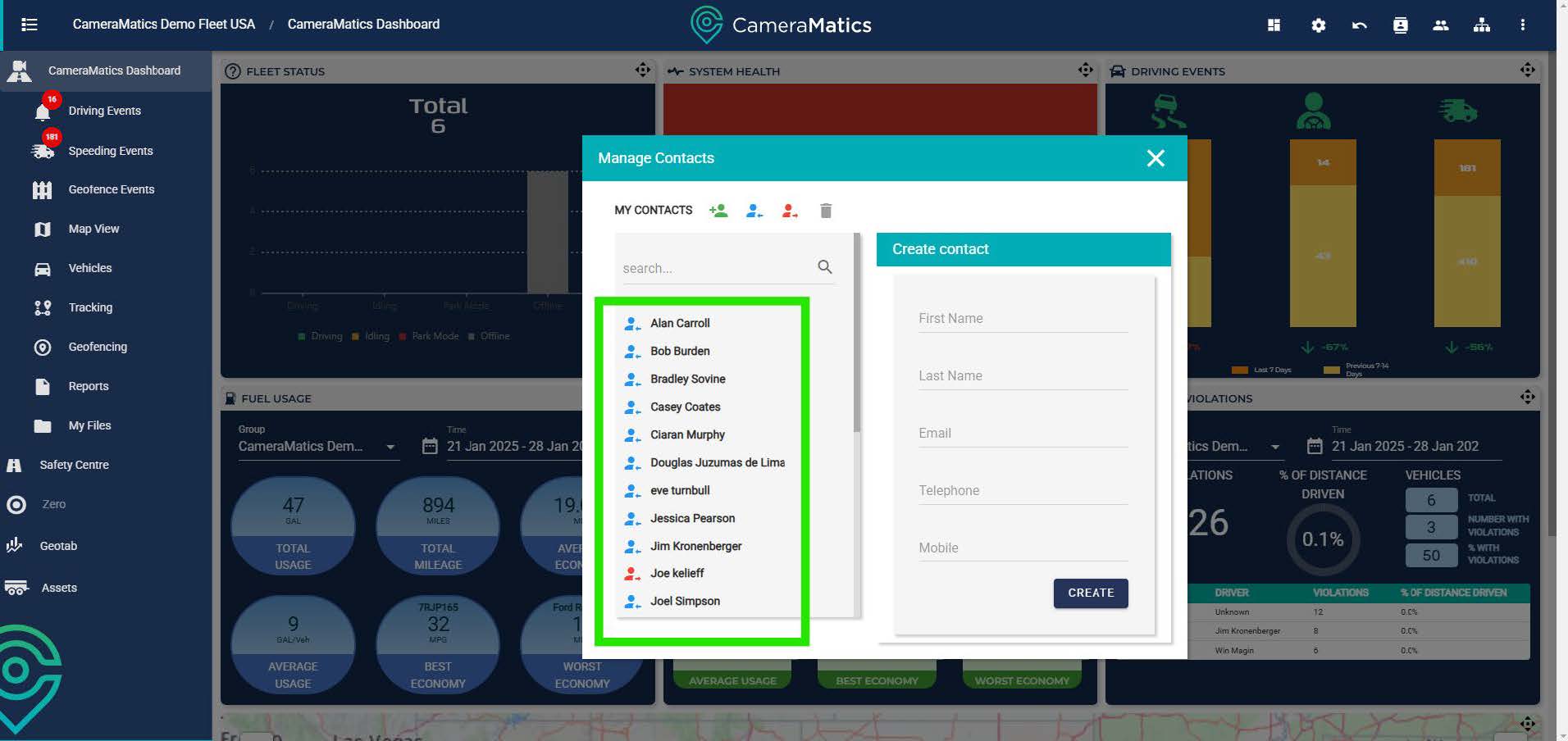
Any colleague with access to the system will automatically be present as a blue contact. You can filter to see either blue or red contacts by clicking the preferred view at the top of the list. The icon must be coloured to view the contacts.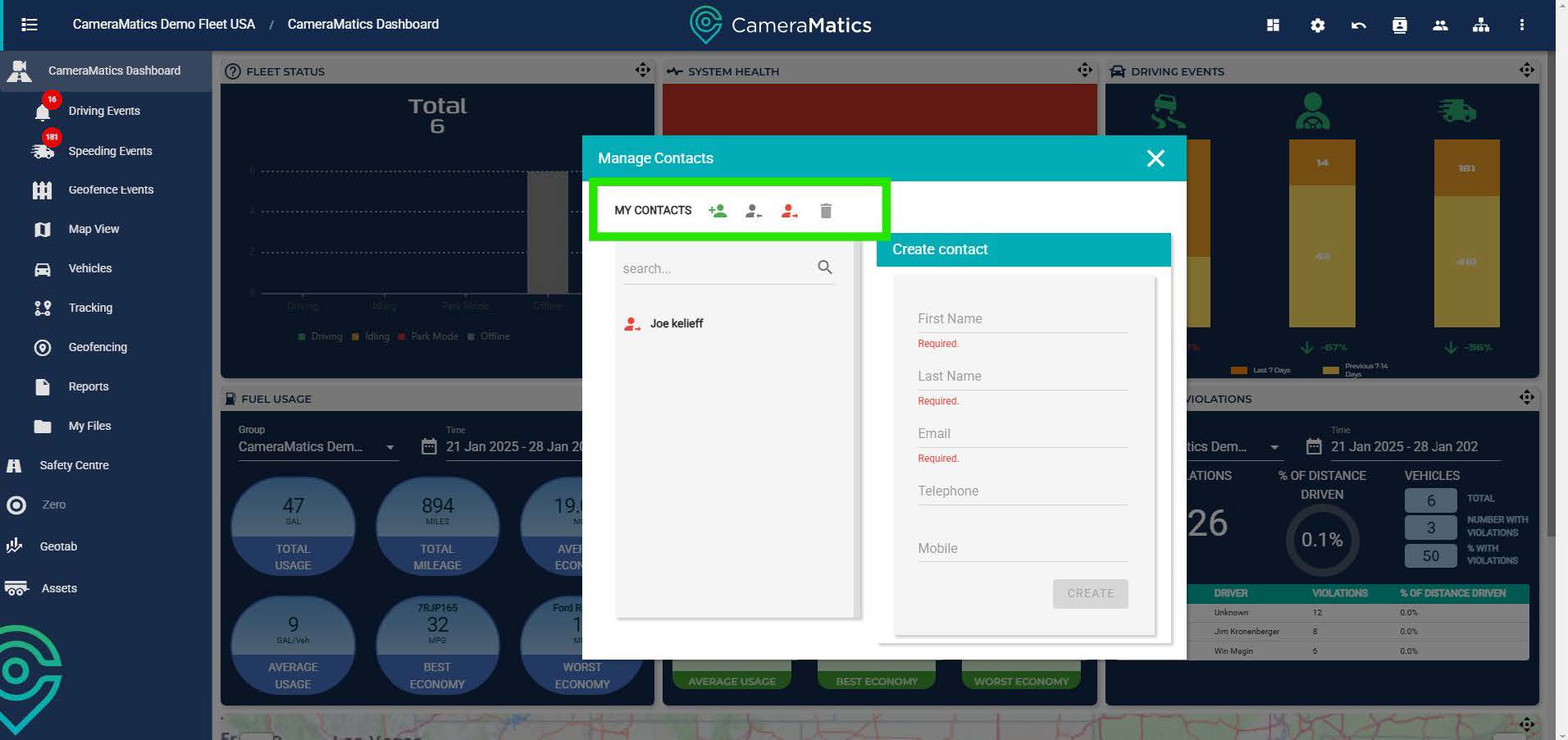
Adding Additional Contacts
To add a contact fill in the required details: first and last name, and email address.
Then click the create button and add this person as an external contact.
Once complete you will see the contact now added to the left hand menu.